PAT Team- I need you help :)
Heyaaa wonderful people,
I need a bit of your help here. I had no idea where to post this so I thought that I should just make a forum post real quick. I have been struggling to find backgrounds for my posts as a Smile Spreader and its really hard to get the right colour... Any tips? Suggestions? It would be really appreciated!
Tags:
Smile Spreaders: @Fristo @Sunisshiningandsoareyou @GloriaD @CosmicMiracle @SirenOfSerenity @cristlecares @gentleemperor @jovialSunshine5049 @Liv125 @SukoLovesHito133 @TU100OT @bubblingBreeze14 @YourCaringConfidant @Obstruct @NanditaB @SparklyFly @Aishaa97 @VictoriaLove7 @Angelofheaven20 @NotFound20 @JasmineFlower222
Bunny

I think light colours will be good

@amiableBunny4016
Yay for asking, Bunny! You can always use our QnA dash too for any questions, ofcourse we'd all love to help you! ❤
Did you check out the guides for creating graphics/ posts by KimByeongIn and GentleEmperor? They have lots of amazing tips and insight for us.
I mostly use canva to make my posts, and there's lots of filters to search for colors, style etc, also to switch colors for text, background or stickers where needed.
Some other tools (also linked in our dashboard) that have similar features:
1- Befunky
2- Canva
3- Pixlr
4- Other
I'm glad you created this thread, I'd love to hear more tips from our wonderful team also!😮❤
@Sunisshiningandsoareyou,
Aaa... thanks I think I have found something. 😜Its always hard to find something that matches the colours and appreciation. Thanks Sun Buddy!

Bunny
@amiableBunny4016
Aww yay, glad you found something, and yes yes, it's not the easiest task haha, but I'm soooo sure you'll do amazing as always. We are here for you ofcourse. ❤

@Sunisshiningandsoareyou,
Tankuuuu.

@amiableBunny4016
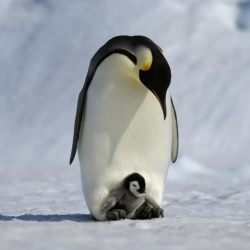
Heyyy Bunny 🐰 What color are you looking for? I usually just make a Google search when looking for backgrounds 🐧💕
@gentleemperor,
Penguinnnn- Bunny army hehe *hugs you* Rainbow is always the hardest 😜 Yes, google is useful but sometimes its hard to get the text in the right place 😭❤️and the text wont fit in with the background and it always gets mixed up but I think I will figure it out.
But Penguin and bunny huggles and cookies are always welcome in here.
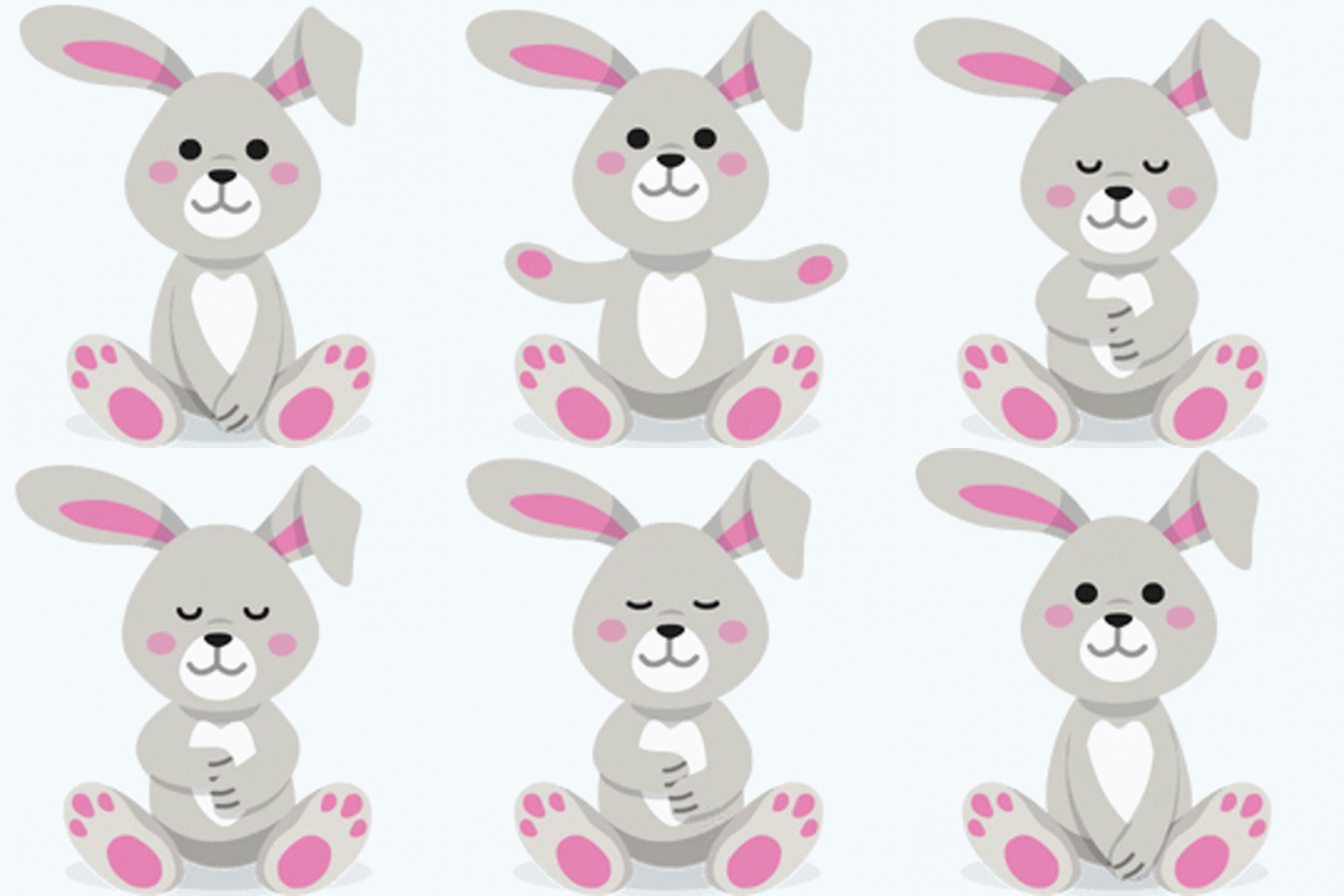

I couldnt find a penguin and bunny but this is close enough loll.
Bunny
@amiableBunny4016 penguin bunny army -huuugs- ❤️
Oh rainbooow 🌈 I get the struggle 🥲 Glad that you figured it out though! Keep up the good work 💕
Aww those are the sweetest hugs 🥺💕
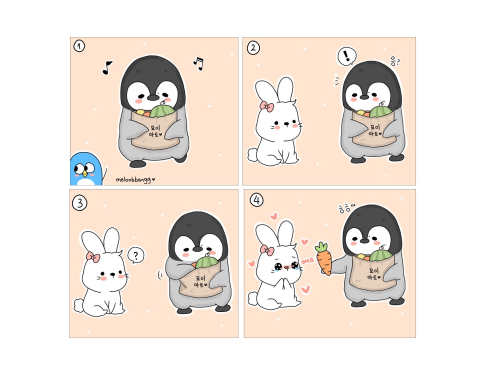
I didn't find any gifs but... carrots?

@gentleemperor,
😭😭Oh myyy goshhhhhhh, Penguin they are so adorable. I wanna save those images! Omggg! I love it! Your a genius! *huggles you*❤️ You is the bestest penguin in the world! *gives you cookies*
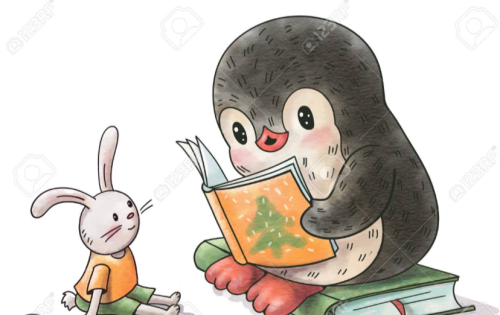

I found some toooo! Penguin Bunny army never dies! hehe. Ily so much Penguin.
Bunny
@amiableBunny4016
Penguin Bunny Army never dies 🥺💕
Those pictures are sooo cuteee, I love them 🥰
Thank you bestest wonderful bunny in the world 🐰💖 -noms cookies-
-Huggles- ❤️
@gentleemperor
*huggles you back*❤️
You is also bestest Penguin.😭❤️
Bunny
@amiableBunny4016
Bunny.... Helloooo 😊
First of all super excited to see your creations at PAT team! I'm sure they are going to be amazing!!!❤️
What I'd say for your question is, just be yourself. Explore, have fun and you'll eventually create something as beautiful as you.
Like @Sunisshiningandsoareyou and @gentleemperor has already mentioned you can use google to search for backgrounds and you can use online tools like Canva, Pixlr, etc to create your final design.
I think canva would be a great place cause it has all. Backgrounds, pictures, texts, font styles and many more (It's like I'm promoting canva isn't it? 😋 That's not the case though)
Also, to make your appreciation design a bit more special you can incorporate pictures or colours that resonates with their username 😀 (If you'd like to do that of course)
Again it's all upto you. Just enjoy creating them, it'll turn out wonderful. In the end what matters is that you have fun while being amazing and creating appreciation posts for others.
If you need more support, do let us know. We're always happy to help!
@bubblingBreeze14
hellooo,
Thank you Breeze. This is much appreciated. I will defo try all of these things! Thank you so much for helping me out!
*hugs you if ok*

Bunny
@amiableBunny4016
Aww.... ❤️❤️❤️ So glad you find it helpful.
Hugs are always accepted! 😀
*Sending you back the biggest hug ever*

@amiableBunny4016 Hi 🐰. The best way to practice is by experimenting and just playing around with the app you are on. If you want to color match, if you click on the colors and then click on the little picture that looks like a dropper then you can touch any color on the background and it will match you to precise color on the image. You can always go darker or lighter though. Use an user friendly app and just explore. You will soon see how you grow from your first graphic. Have fun.
@amiableBunny4016
Hey bunny, 🐰 just like what everyone else has suggested, you can use the app and change the background color. If the text doesn't fit in with the background, you can also change the font color so that it will be legible. 😊

@amiableBunny4016
Glad to see so many responses to your question Bunny 😊 All the suggestions above are wonderful, and as the team suggested, just explore the various platforms and features, creating graphics will get easier over time 🌻 And even if you can’t create one, you can add colourful texts, emojis, and pictures - that’s appreciated too 💛 A big reminder is to have fun!